How to Make Custom Christmas Stickers (Photos, AI & Transparent PNGs)
Learn how to make Christmas stickers from pet or family photos in seconds, generate custom holiday illustrations with AI, and export transparent PNGs.
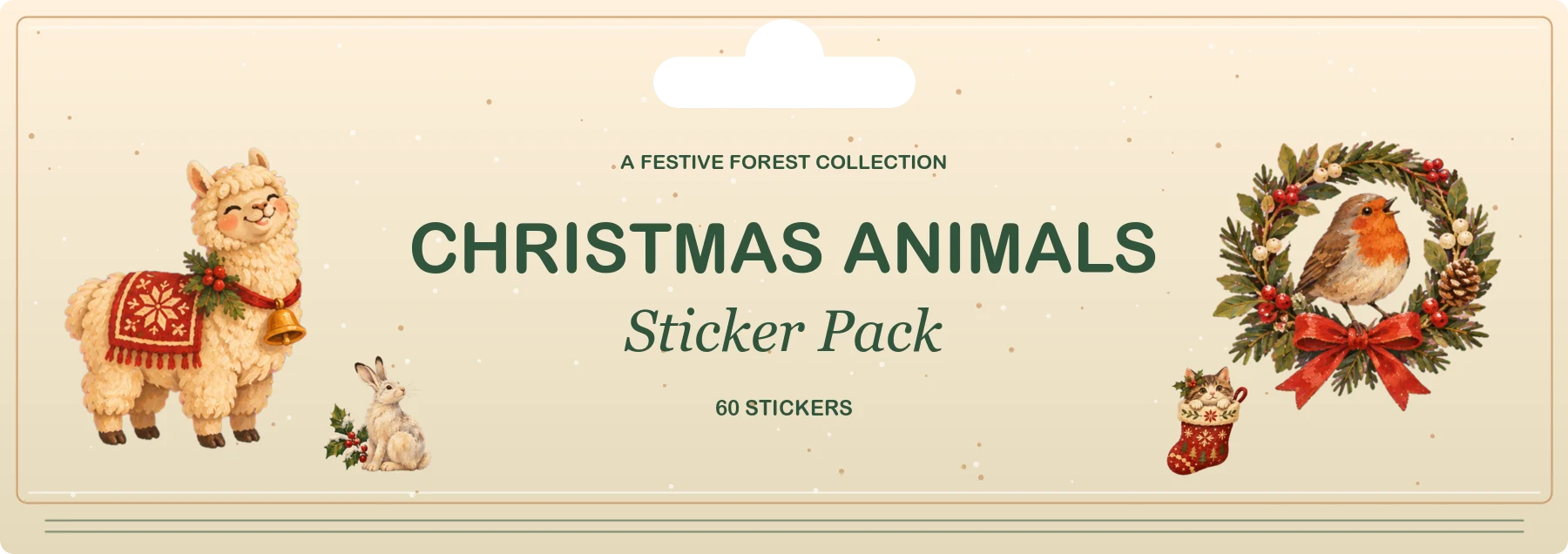
Custom Christmas stickers turn ordinary holiday photos, pet portraits, and hand-drawn doodles into shareable PNGs for digital planners, messaging apps, and 3D gift mockups. Here are three quick ways to create your own in a browser.
Method 1: Turn any photo into a die-cut Christmas sticker
If you already have a clean portrait, ornament photo, or scanned sketch:
- Open Sticker Maker — everything runs locally in your browser.
- Upload a PNG, JPG, or WebP image and enable edge background removal if your photo sits on a solid backdrop.
- Adjust the white die-cut border thickness so the sticker stands out on both dark and light holiday templates.
- Export as a transparent PNG or send it straight into Online Stickers Studio to layer beside our free Christmas Post Office set.
Method 2: Generate illustrated Christmas stickers with AI
Want a cozy gingerbread character, a Shiba wrapped in fairy lights, or a retro snow globe without drawing from scratch?
- Launch AI Sticker Generator from any preset prompt.
- Or switch to Photo mode, upload a picture of your pet, and describe the Santa hat, scarf, or holly wreath you want added.
- Refine the final border, corner rounding, and drop shadow before exporting PNG, WebP, or an SVG cut path for Cricut and Silhouette machines.
Method 3: Mix your custom stickers with 770+ holiday originals
Once your custom stickers are saved in My Works, combine them with pre-made ornaments from Christmas Decorations, Christmas Food & Treats, or any of the 15 sets in the Christmas Stickers Hub. If you prefer scissors and paper, you can also grab ready-to-cut sheets in Printable Stickers.